Recall
多类型内容按卡片呈现,配合来源图标,扫一眼就能识别Text, links, code, images, and files stay scannable, with source icons for context
 ClipDock
ClipDock for macOS
把文字、链接、代码、图片和文件收进屏幕底部的剪贴坞。平时快捷键呼出,用键盘搜索、预览、取用;需要多设备时,再接入自托管同步和 P2P 下载 ClipDock keeps copied text, links, code, images, and files in a native shelf at the bottom of your Mac. Open it with a shortcut, search, preview, reuse, then add self-hosted sync and P2P downloads when more devices are involved

临时内容进入最近列表;长期要用的资料固定到 Pinboard。来源图标、类型卡片和链接预览都放在面板里,打开就知道该取哪一条 Temporary clips flow into Recents automatically. Durable material stays in Pinboard, with source icons, typed cards, and link previews making each item easy to recognize

ClipDock 把工作里不断出现的复制记录,整理成可扫描、可预览、可固定的底部面板。刚用过的内容可以找回,常用资料也能沉淀下来;移动、搜索、预览、复制和删除都能用键盘完成 ClipDock turns real clipboard activity into a native bottom panel you can scan, preview, and pin. Recover what was recent, keep what you reuse, and handle navigation, search, preview, copy, and delete from the keyboard
按类型、来源应用和时间找回刚刚复制过的内容Find recent clips by type, source app, and time
把产品资料、客户信息和常用片段固定在手边Pin product notes, customer material, and reusable snippets
预览确认后直接粘回当前应用,少切窗口,少打断Preview, confirm, and paste back into the app you are already using
围绕真实复制路径组织信息:最近的先找回,常用的固定住,链接和图片先确认;需要跨设备时,再进入自托管同步空间 Built around the real clipboard loop: recover what is recent, pin what matters, preview links and images, drive frequent actions from the keyboard, and move into a self-hosted sync space only when you need multiple devices
多类型内容按卡片呈现,配合来源图标,扫一眼就能识别Text, links, code, images, and files stay scannable, with source icons for context
把高频片段沉淀成轻量资料库,需要时直接取用Turn repeat clips into a lightweight library that stays ready
在当前应用唤出 ClipDock,再用方向键、Space、Command + C 和 Command + 1-9 快速取用Open ClipDock from any app, then use arrows, Space, Command + C, and Command + 1-9 to pick clips quickly
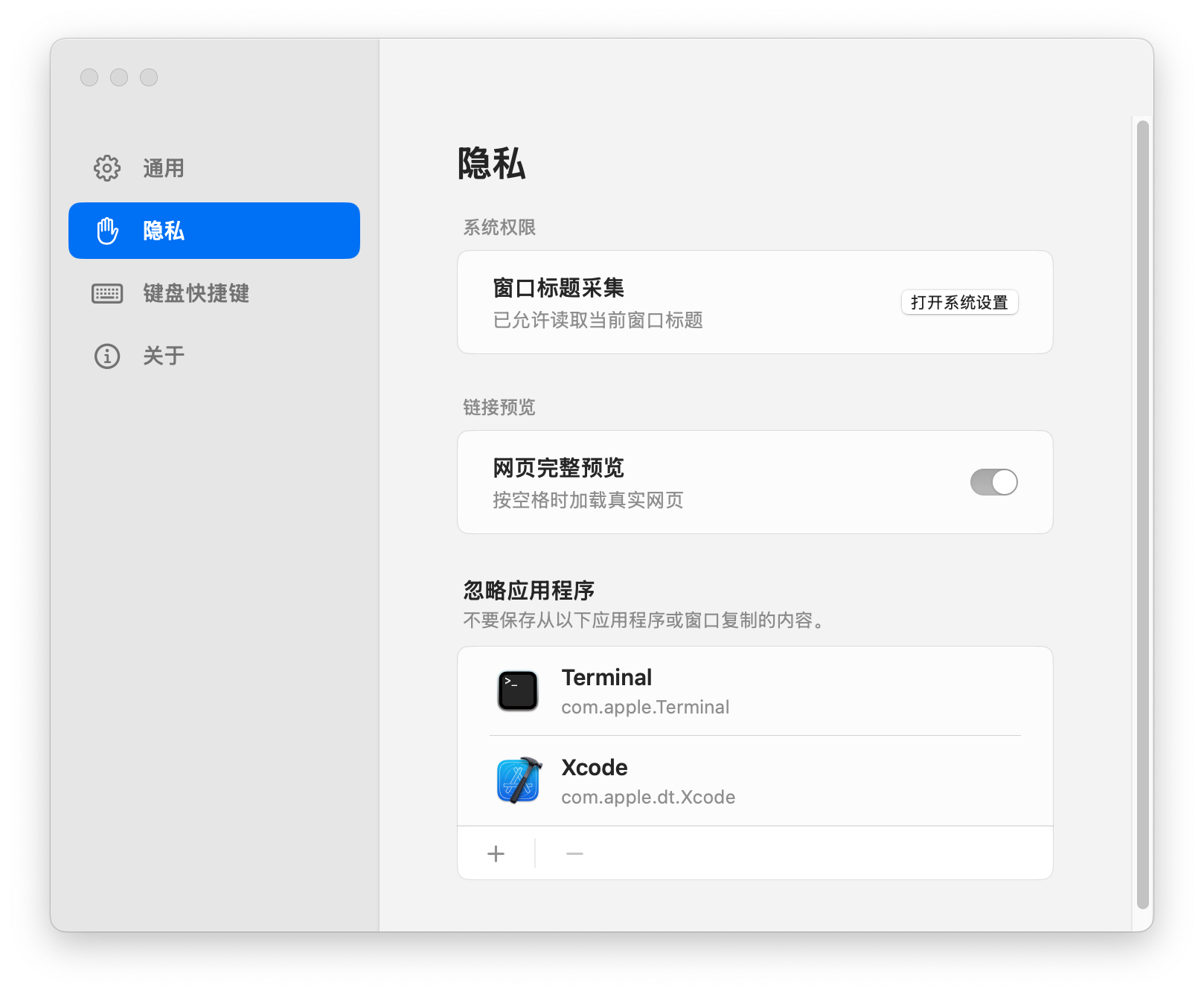
剪贴板历史默认留在本机。同步需要你主动配置,不强迫注册账号Clipboard history starts on your device. Sync is explicit configuration, not a forced account
ClipDock 新增自托管同步服务和 P2P 协调能力。服务端负责配对、认证、事件和小型预览;完整图片、文件由设备之间按需传输 ClipDock now includes a self-hosted sync server and P2P coordination layer. The server handles pairing, auth, events, and small preview assets; full images and files are downloaded on demand from available peers
运行自己的 ClipDock Sync Server,创建同步空间,把设备、事件和资产按空间隔开Run your own ClipDock Sync Server and isolate devices, events, and assets by sync space
新设备用一次性 5 位配对码加入,之后通过设备凭证访问同步空间Join a new device with a one-time 5-character code, then use a device token for access
完整图片和文件通过 iroh-blobs 从可用设备下载,服务端只记录连接信息和提供方Transfer full images and files through iroh-blobs; the server stores endpoint and provider metadata only
Android 端可以加入同步空间、拉取最近历史,并按需下载远端图片和文件The Android client can join a sync space, pull recent history, and download remote images and files on demand
产品资料、设计参考、发布说明、客户资料和团队知识库,都可以固定到 Pinboard。临时内容继续流动,长期资料留得清楚有序 Pin product notes, design references, release copy, customer material, and team knowledge. Temporary clips can keep moving while durable material stays organized
ClipDock 以本地体验为核心。历史内容默认保存在本机;只有你明确启用同步并配置服务端后,记录才会发送到对应同步空间 ClipDock is built around a local macOS experience. History starts on this Mac; a client sends events only after you enable sync and configure a server for the target sync space
下载最新版本,拖入“应用程序”,按 Command + Shift + X 唤出。先从本机剪贴板开始,需要多设备时再配置自托管同步与 P2P 下载Download the latest release, move it to Applications, and open it with Command + Shift + X. Start with the local shelf, then configure self-hosted sync and P2P downloads when you need more devices